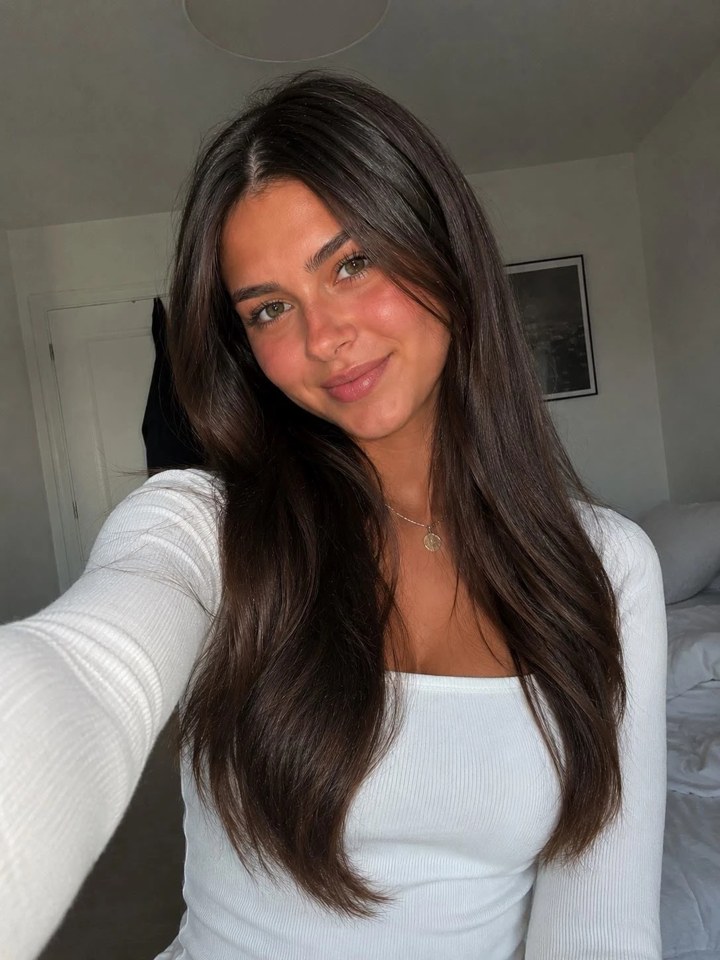
 01 / SOURCE
THE BULIN 47 AI VIDEO GENERATOR
Bulin 47 AI Video Generator Create your viral freestyle.
Create a Bulin 47 AI video from one clear, consented photo. Choose a performance template, render a vertical video, and share your own viral freestyle.
CREATE YOUR TAKE ONE PHOTO · VERTICAL VIDEO
CHOOSE YOUR SET
RENDER QUALITY
Consent-first creation. AI media, not real footage.
PRIVATE PORTRAIT UPLOADS · CONSENT REQUIRED · VERTICAL OUTPUT
ORIGINALTHE SOURCE CLIP
AI RESULTYOUR FACE, THE CUT
ONE PHOTO. ONE MOMENT.
Made for a fast
first render.
Choose a set, choose Standard or HD, and use a single clear photo. The generator is visible immediately—no confusing editing timeline.
Read the photo guide01
Upload a photo
One person, face visible, even light.
02Pick your performance set
Crowd energy, close-up mic, or night stage.
03Get a share-ready vertical cut
Review it before you post.
THE FORMAT, EXPLAINED
Not just a filter.
A short-form transformation.
Bulin 47 AI video turns the contrast between a still portrait and an energetic vertical clip into a shareable reveal. It works because viewers understand the before and after in a glance.
Explore the Bulin 47 AI trend01portrait
in09:16video
out
in09:16video
out
BULIN 47 AI VIDEO EXAMPLES
Same person.
Different energy.
These Bulin 47 AI video examples show how a simple portrait becomes a vertical, social-first performance cut.
01 / SOURCE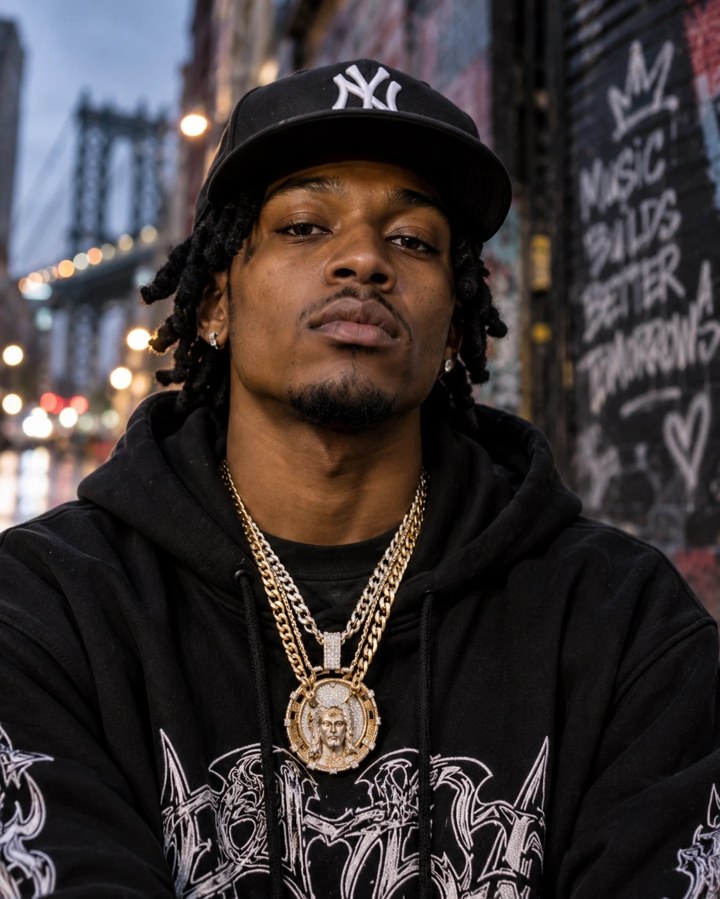 03 / YOUR PHOTO
HOW TO MAKE A BULIN 47 AI VIDEO
Three clear
decisions.
- 01
Choose a clean portrait
Keep one face visible, facing forward, in even light.
- 02
Confirm consent
Only transform yourself or someone who said yes.
- 03
Start the template
Review the AI result before you post it.
BULIN 47 AI VIDEO RESULTS
Who’s on
the speaker?
Different faces, different cuts, one recognizable Bulin 47 AI video format. Watch the results before you create yours.
BULIN 47 AI VIDEO PHOTO GUIDE
The image you pick
changes everything.
- Clear, front-facing portrait
- One person in the frame
- Simple light and visible features
BULIN 47 AI VIDEO PRICING
Pick a credit pack.
Make your cut.
Credits are shown before generation. HD uses more credits than Standard.
BULIN 47 AI VIDEO FAQ
The useful
questions.
What is a Bulin 47 AI video?+
It is a short, AI-generated vertical performance-style clip made from a portrait that you are allowed to use.
How do I make a Bulin 47 AI video?+
Upload one clear, consented portrait, choose the template, confirm you have permission, and start the render.
Can I use someone else’s photo?+
Only with their clear permission. Do not use the tool to mislead, harass, impersonate, or create non-consensual content.
What photo works best?+
A single face looking toward the camera, good light, a simple background, and no face-covering objects.
Is the result a real performance?+
No. The output is AI-generated media. Review it and label it appropriately when sharing.
How long does generation take?+
Render time depends on current model demand. The job status updates after the request is accepted.
Which format do I receive?+
The template is designed for a vertical, social-first video output.
Do you keep my portrait public?+
Portrait uploads are stored in a private Supabase bucket and access is controlled by the signed-in account.
GO DEEPER
Useful before you
make your take.
VIRAL VIDEO GUIDE
Bulin 47 viral video: from trend search to a responsible AI cut
GENERATOR GUIDEBulin 47 video generator: make a shareable AI performance clip
STEP-BY-STEP GUIDEHow to make a Bulin 47 AI video from one photo
TREND EXPLAINERWhat is the Bulin 47 AI video trend?
PROMPT NOTESBulin 47 AI video prompts: what to say and what to skip
READY WHEN YOU ARE